Experience ultimate stability worldwide. Get your Buffer-Free IPTV Server with 99.9% uptime and instant secure activation. View Plans → iew Plans →



How to Reduce IPTV Ping (Latency) for Smooth Streaming
If you have ever experienced buffering, freezing, or choppy video while watching your favorite channels, high latency is likely the culprit. Understanding how to reduce IPTV ping (latency) for a consistently smooth experience is one of the most important skills any IPTV user can develop. Ping, measured in milliseconds (ms), refers to the time it takes for data to travel between your device and the streaming server. The lower your ping, the more responsive and fluid your stream will be. In this guide, we will walk you through proven, practical steps to bring that number down significantly.
What Is IPTV Latency and Why Does It Matter?
IPTV latency is the delay between a signal being sent from a server and received by your device. Unlike traditional cable or satellite broadcasting, IPTV relies entirely on your internet connection and network configuration. Even a modest amount of latency — say, above 80–100ms — can cause visible disruptions during live sports events, news broadcasts, or any real-time content. According to Wikipedia’s overview of latency in engineering, network latency is influenced by multiple factors including propagation delay, transmission delay, and processing delay. Knowing these causes is the first step in knowing how to reduce IPTV ping (latency) for your specific setup.
Key Factors That Increase IPTV Ping
- Wi-Fi interference: Wireless signals are susceptible to interference from walls, appliances, and neighboring networks.
- Server distance: The farther your IPTV server is from your location, the higher the ping will be.
- Network congestion: Too many devices sharing the same connection can significantly increase latency.
- Outdated router firmware: Old firmware can introduce processing delays and reduce routing efficiency.
- ISP throttling: Some internet providers intentionally slow down streaming traffic during peak hours.
- VPN overhead: While VPNs can help bypass throttling, a poorly chosen VPN server can add latency.
How to Reduce IPTV Ping (Latency) f with a Wired Connection
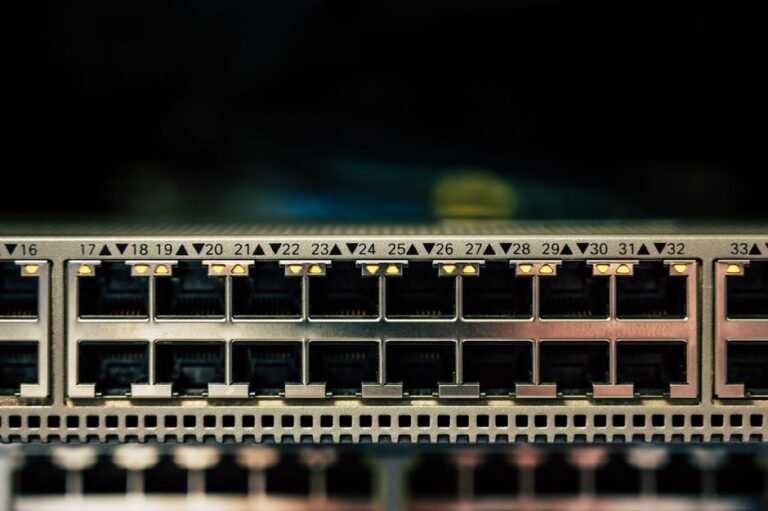
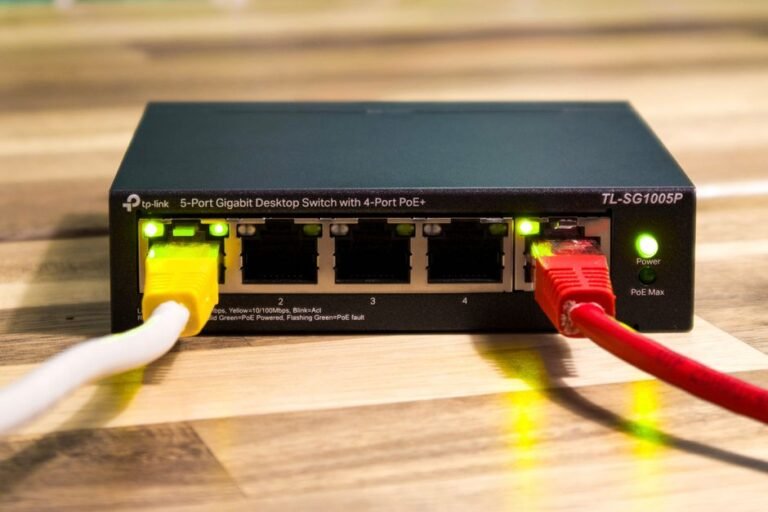
The single most impactful change you can make is switching from Wi-Fi to a wired Ethernet connection. A direct cable connection eliminates wireless interference entirely and provides a stable, consistent data path between your router and your streaming device. This alone can reduce ping by 20–50ms in many home environments. If running a cable is not feasible, consider a powerline adapter, which transmits your internet signal through your home’s electrical wiring — a solid middle-ground solution that dramatically outperforms most Wi-Fi setups.

Optimize Your Router Settings for Lower Latency
Your router plays a central role in your network’s performance. To properly address how to reduce IPTV ping (latency) for your streaming sessions, start by enabling Quality of Service (QoS) settings. QoS allows you to prioritize IPTV traffic over other types of data on your network, ensuring your stream always gets bandwidth first. Also, make sure you are using the 5GHz band rather than the 2.4GHz band on your Wi-Fi router. The 5GHz band is faster and less congested, resulting in noticeably lower latency for nearby devices.
Additionally, updating your router’s firmware is a step many users overlook. Manufacturers regularly release updates that improve routing efficiency and patch vulnerabilities that can slow down performance. Log into your router’s admin panel and check for the latest firmware version to ensure optimal performance.
Choose the Right IPTV Server and Provider
Not all IPTV providers are equal in terms of infrastructure. A premium service like Zenova TV uses geographically distributed servers to minimize the physical distance between the streaming source and the end user. Choosing a provider with servers close to your region is one of the most underappreciated strategies when learning how to reduce IPTV ping (latency) for live channels. Before committing to any service, test their servers during peak hours to gauge real-world performance.
Stay up to date with the latest tips, server updates, and streaming guides by visiting the Zenova TV News section, where expert advice is regularly published to help subscribers get the most out of their experience.
Use a VPN Strategically to Bypass ISP Throttling
If your ISP is throttling your IPTV traffic, a VPN can help — but only if you choose the right one. Select a VPN provider that offers servers close to both you and your IPTV service’s streaming servers. Use the WireGuard protocol where possible, as it has significantly lower overhead than older protocols like OpenVPN, resulting in reduced latency. Understanding how to reduce IPTV ping (latency) for throttled connections through a well-configured VPN can make the difference between constant buffering and a flawless stream.
Additional Tips to Minimize Streaming Latency
- Close background applications: Apps running in the background consume bandwidth and processing power, both of which increase latency.
- Restart your router regularly: A weekly restart clears cached data and refreshes your connection.
- Use a DNS with fast resolution: Switching to Google DNS (8.8.8.8) or Cloudflare DNS (1.1.1.1) can speed up server lookups.
- Limit simultaneous streams: Each active stream on your network competes for bandwidth. Reduce concurrent usage during important viewing sessions.
- Check for packet loss: Run a ping test to your IPTV server and monitor for dropped packets, which are a sign of an unstable connection.
Applying all of these strategies together provides a compounded improvement in stream quality. Knowing how to reduce IPTV ping (latency) for different network environments ensures you are equipped to troubleshoot issues no matter what device or connection type you are using.
Frequently Asked Questions
1. What is a good ping for IPTV streaming?
A ping below 50ms is considered excellent for IPTV. Anything between 50–100ms is generally acceptable for most streams. Pings above 100ms may begin to cause buffering or delays, especially on live channels and sports broadcasts.
2. Can a VPN help me understand how to reduce IPTV ping (latency) f for throttled connections?
Yes. If your internet provider is throttling streaming traffic, a VPN can help by encrypting your data so the ISP cannot identify or slow it down. Choose a server geographically close to the IPTV source for the best results.
3. Does the type of IPTV player affect latency?
Absolutely. Some players are better optimized for low-latency streaming than others. Players that support adaptive bitrate streaming and have efficient buffer management — such as TiviMate or IPTV Smarters Pro — can reduce perceived latency compared to less optimized alternatives.
4. Why does my IPTV ping spike during evenings or weekends?
Network congestion is the most common cause of evening or weekend ping spikes. During peak hours, more users share the same ISP infrastructure, reducing available bandwidth and increasing latency. QoS settings and a wired connection can help mitigate this.
5. How often should I test my IPTV connection for latency issues?
It is a good practice to run a ping test at least once a month, or immediately after noticing streaming quality degradation. Regular testing helps you identify patterns and pinpoint whether the issue lies with your local network, your ISP, or the IPTV server itself.